Spacing
Introduction
To use margin, padding and border effectively, it helps to understand the CSS Box Model, which we refer to as spacing in this section.
The box model consists of four layers:
- Content
- Padding
- Border
- Margin
Analogy
Imagine your component is a car:
-
Border
The physical outline of the car: chassis, doors, windows. It separates “car” from “not car”. -
Margin
The safety distance to other cars. It defines the minimum distance that must be kept between vehicles (components). -
Padding
The distance between the driver (content) and the doors/windows (border) of the car.
Content
The content of a component includes (but is not limited to):
- text
- images
- other media
- nested components

Margin
The margin is the minimum distance between the component’s border and the next component’s border.
You can:
- set a margin uniformly in all directions, or
- set it per side (
margin-top,margin-right,margin-bottom,margin-left).
Common use cases:
-
Positioning
Offsetting a component in a certain direction by setting margin on the opposite side. -
Visual spacing
Adding a small margin around components makes a page feel less crowded and easier to scan. -
Overlapping
Using negative margins, components can be made to overlap each other.
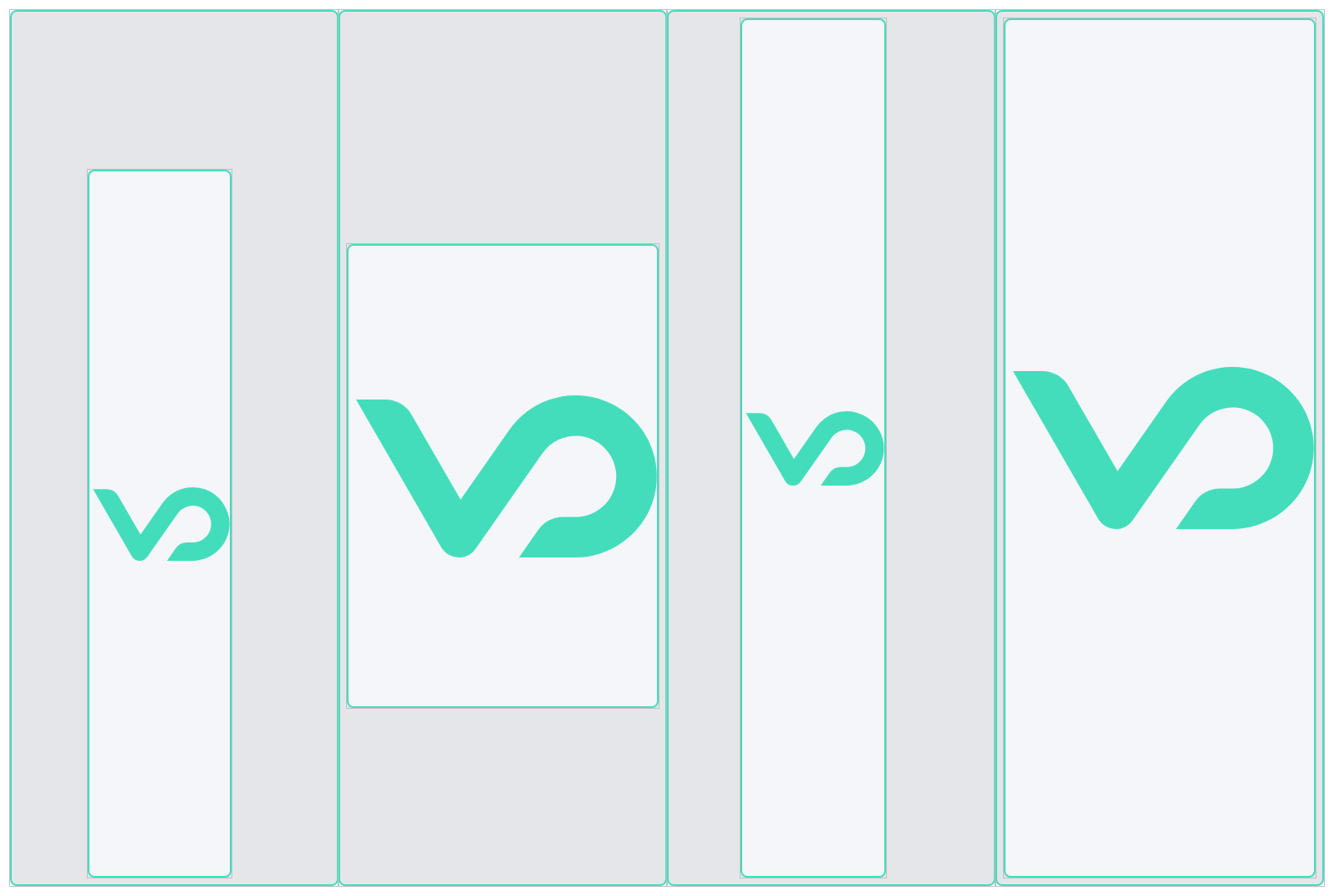
Margins add up: if two components each have a margin of 30px between them, the resulting distance is effectively 60px in yeet’s layout model.
Padding
Padding defines the distance between the component’s border and its content.
As with margin, you can:
- set a single padding value, or
- set padding per side (
padding-top,padding-right,padding-bottom,padding-left).
Common use cases:
-
Readability
Keeping text away from the border to avoid cramped content. -
Alignment
Aligning images and text cleanly inside a container.
Border

The border defines the visible outline of the component.
It consists of four subproperties:
border-styleborder-widthborder-colorborder-radius
All border properties except border-radius can be set:
- as a shorthand (
border-style,border-width,border-color), or - per side (for example
border-bottom-styleinstead ofborder-style).
Common use cases:
- Separator
A slim component (for example1pxwide andNpixels high) combined withborder-bottomcan act as a stylable horizontal or vertical separator line.
For more in-depth information about the CSS Box Model and spacing properties in general, you can refer to standard CSS documentation such as the CSS Box Model articles on common web resources.